
Customer feedback forms help small businesses learn what customers need, where the buying or product experience breaks down, and what to improve next. The best form is not the longest one. It is the one tied to a specific decision.
For a small team, that decision might be whether to change onboarding, add a feature, improve support, adjust pricing, or follow up after a service call. A focused form gives you usable answers without asking customers to do extra work.
Quick summary
- Start with the business decision, then choose the form type.
- Keep each form short enough for the moment when it appears.
- Ask about recent experiences, not vague opinions.
- Review responses by theme, sentiment, and next action.
- Use a workflow like Simply Feedback when you want to generate a survey, share or embed it, and analyze responses in one place.
What is a customer feedback form?
A customer feedback form is a structured set of questions used to collect opinions, problems, requests, or satisfaction signals from customers. It can be a short website widget, a post-purchase survey, a cancellation form, a product feedback survey, or a direct link sent after a customer interaction.
For small businesses, the form should answer one practical question: what should we improve, fix, explain, or prioritize next?
That makes a customer feedback form different from a general contact form. A contact form helps someone reach you. A feedback form helps you learn from a recent experience and decide what to do with that signal.
Which feedback form should a small business use?
Choose the form based on the moment when the customer is most able to answer accurately.
| Feedback form type | Best moment to use it | What it helps you decide |
|---|---|---|
| Website feedback form | While someone is browsing or using your site | Which pages, offers, or steps create confusion |
| Product feedback form | After someone uses a feature or service | What to improve, simplify, or explain better |
| Post-purchase survey | Soon after checkout or project delivery | Whether the buying or delivery experience met expectations |
| Customer satisfaction form | After a support or service interaction | Whether the customer felt helped and what slowed them down |
| Cancellation or churn survey | When someone cancels or stops engaging | Why the customer left and what could reduce future churn |
| Feature request form | When users ask for improvements | Which requests represent repeated problems versus one-off ideas |
If you are unsure where to start, pick the form connected to the most expensive unknown. A SaaS founder may need product feedback before building the next feature. A local service business may need post-service feedback to understand quality issues. A consultant may need client feedback after delivery to improve the offer.
How to write a useful feedback form
Good feedback forms are specific, brief, and easy to answer. They ask customers to describe what happened, not guess what your business should do.
1. Name the decision first
Write down the decision before writing the questions. For example:
- Should we change the onboarding flow?
- Are customers confused by our pricing page?
- Which parts of the service experience feel slow?
- Why are trial users not becoming paid customers?
This keeps the form from becoming a generic list of questions you may never review.
2. Match the form to the customer moment
A website visitor can answer a short question about page clarity. A recent customer can answer questions about purchase confidence. A cancelling customer can explain what changed.
The closer the form is to the experience, the more reliable the answer usually is.
3. Ask one question at a time
Avoid questions like “Was the product easy to use and worth the price?” That asks about two different things. Split it into separate questions so the response tells you what to improve.
4. Include one open-ended question
Ratings are easy to compare, but open-ended answers explain the reason behind the rating. For many small teams, the explanation is more useful than the score.
5. Keep the next step visible
If the form is for a high-intent moment, include a clear next step after submission. That may be a thank-you message, a support follow-up, a link to book time, or a note explaining when customers can expect a response.
Customer feedback form questions you can adapt
Use these as starting points, then edit them for your product, service, and customer language.
Website feedback form
- What were you trying to find on this page?
- Was anything unclear or missing?
- What would make this page more useful?
- Did anything stop you from taking the next step?
Product feedback form
- What were you trying to accomplish today?
- Which part of the experience felt easiest?
- Where did you get stuck or slow down?
- If you could improve one thing, what would it be?
Post-purchase feedback form
- What made you decide to buy?
- Was any part of checkout or onboarding confusing?
- Did the product or service match your expectations?
- What should we improve for the next customer?
Cancellation feedback form
- What is the main reason you are leaving?
- Was there a missing feature, unclear value, price concern, or support issue?
- What would have made the product or service more useful?
- May we follow up if we have a question about your response?
How Simply Feedback fits this workflow
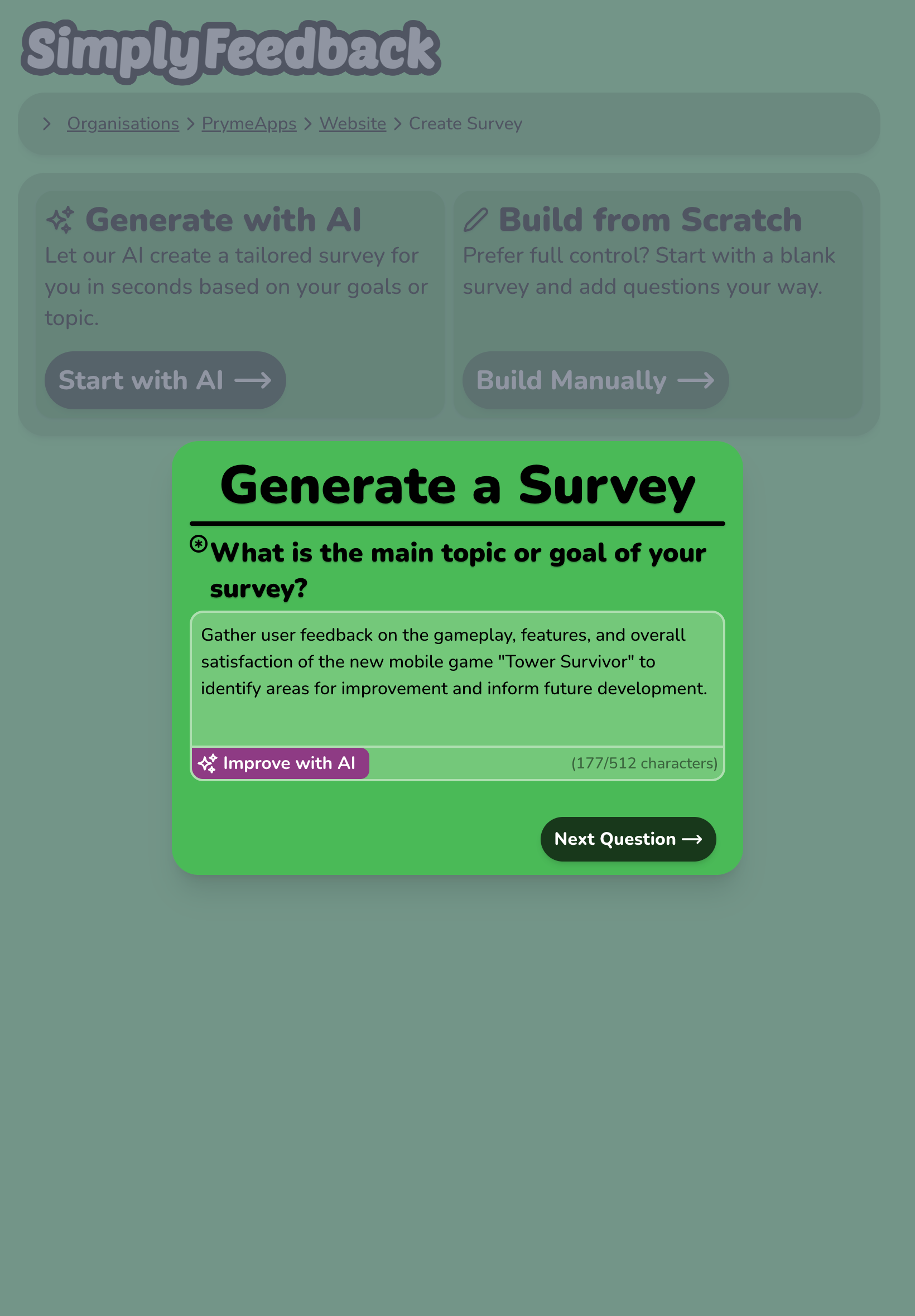
Simply Feedback is built for teams that want to move from a feedback goal to a live survey quickly. The current product flow focuses on four jobs:
- Generate a targeted survey from a plain-English goal.
- Edit the generated questions before launch.
- Share the survey by link or embed it on a website.
- Review AI-powered response analysis with themes, sentiment, and recommended next actions.
That matters for small businesses because feedback work often fails between collection and action. A form gets published, responses land somewhere, and the team still has to read everything manually before making a decision.
If you already know the exact questions you need, you can still use a simple form builder. If you need help turning a goal into questions and then interpreting the answers, a workflow with survey generation and response analysis can reduce the blank-page work.
What to check before choosing a feedback form tool
Use this checklist when comparing tools or deciding whether a simple form is enough.
- Can you create a form around a specific goal instead of starting from scratch?
- Can you edit questions before sharing the form?
- Can customers respond through a link or embedded widget?
- Can your team see themes, sentiment, and recommended actions without manually sorting every answer?
- Does the tool fit your current response volume and budget?
- Can you review pricing clearly before committing? See the Simply Feedback pricing section for the current public plan structure.
Do not choose a tool only because it offers more question types. For small businesses, the bigger question is whether the tool helps you make a better decision after responses arrive.
A simple feedback form structure
Here is a practical structure for most small business feedback forms:
- Start with context: “What were you trying to do today?”
- Ask about friction: “What, if anything, made this harder than expected?”
- Ask about value: “What was most useful about the experience?”
- Ask for one improvement: “What is one thing we should change?”
- Ask permission for follow-up when needed.
This structure works because it separates the customer’s goal, the problem, the positive signal, and the requested improvement. That makes review easier later.
How to turn responses into action
Collecting feedback is only half the job. After responses arrive, group them before deciding what to change.
| Response pattern | What it may mean | Possible next action |
|---|---|---|
| Repeated confusion about the same step | The experience or copy is unclear | Improve labels, instructions, onboarding, or page layout |
| Many requests for the same feature | Customers are trying to solve a repeated problem | Validate demand before adding roadmap work |
| Positive comments using similar language | A value proposition is resonating | Reuse that language in product, sales, or marketing copy |
| Complaints after purchase or delivery | Expectations may not match the actual experience | Improve handoff, onboarding, or pre-purchase explanation |
Avoid reacting to one loud response unless it points to a serious issue. Look for patterns, then choose one next action your team can complete.
Next step
If you need a customer feedback form for a small business, start with one decision you need to make this week. Write the form around that decision, keep it short, and review responses by theme before changing the product or service.
To speed up that process, create a survey with Simply Feedback, customize the questions, and share it with customers through a link or website embed. You can also browse the Simply Feedback article library for more guidance on collecting and acting on feedback.
Related guide
Turn this knowledge into a live survey
Create a targeted Simply Feedback survey, embed it on your site, and get AI-powered response summaries.